
Dok’s Tips and Tricks
Dok’s Top 10

1. Create a Secure Environment for your Computer
There are multiple areas in a computer where you can set up, configure, and tighten the system security. In Windows, check the control center and make sure you have one (and only one) active, updated Antivirus program, a firewall, and Windows updates. In your browser, turn on pop-up blocking, enable enhanced security if this is an option, remove your cookies and temporary internet files on a regular basis, and configure your junk mail and spam filter.
2. Strong Passwords
It’s really easy to create a super secure password! Think of a short unique phrase that you can easily remember, use only the first letter of each word, add some punctuation, a capital letter and a number, and you’re all set! Keep your passwords safe and use different passwords for your accounts, especially bank passwords, shopping accounts, Paypal, etc.
3. There is No Such Thing as Too Many Backups
4. Be Savvy with Social Media
5. Email Security and Phishing
6. Beware of Scareware
If you see a sudden pop-up telling you that your activity has been reported to the FBI, don’t panic, don’t click, and don’t even think of paying. Any action on your part may lock your computer. The hackers that create these types of infections are just trying to infect or hold your computer ransom, and then scare you into divulging personal and financial information, or even into paying them an untraceable fee via cashier’s check. The worst type even encrypts your file! If you see a scary pop-up, it’s best to shut down your computer immediately and bring it to the Dok for a deep cleaning.
7. Employ Safe Browsers
Some browsers are better than others. Edge, Firefox, and Safari are very good. But I prefer Chrome. It is very fast, synced with Google, visually uncluttered, easy to use, offers an enhanced security option, and has many useful extensions. Tabs are separated, so an error in one doesn’t bring down the rest. By the way, when trying out new software, it’s best to use web browsers with sandboxing capabilities. A sandbox can contain malware and bad programs, which keeps them from entering your unit.
8. Safer Shopping
9. Caution When Using Public-WIFI
10. Don’t Mix Business and Pleasure!
If users go to lots of social, gaming, “free” streaming portals, ads, inappropriate, or questionable sites, their devices are more likely to pick up damaging viruses and spyware. Wise users restrict personal use of their business units.

Published Articles

Back to School Tips for your Computer by Jacob Eberly
Aug 15, 2022
Ah yes, every student’s favorite phrase. “Back to school time!” If it actually is your favorite phrase, I envy your enthusiasm. One of the things I do look forward to during the school year is using my computer. I find it very fun and satisfying to use such capable...
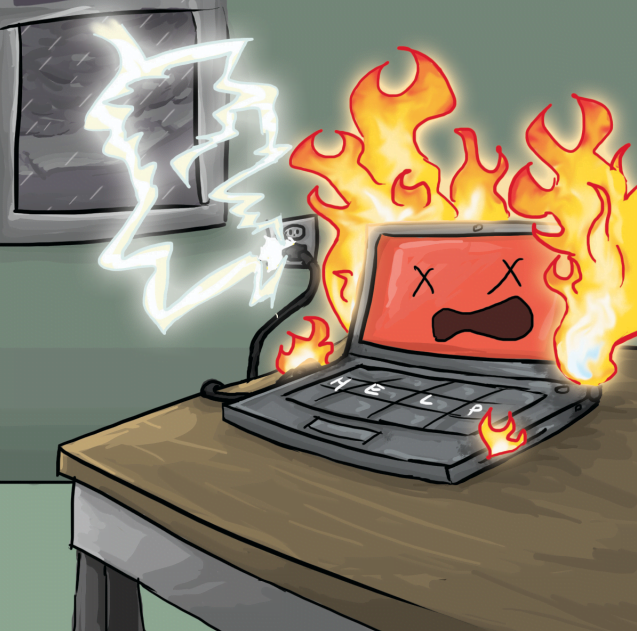
Summer Storm Advisory for Desktops and Anything that Plugs In
Jul 12, 2022
Too often when a storm hits, lightning strikes and too much electricity surges through cables across the house - frying unprotected devices in its path. This can hit desktops and other power cables for your IT equipment However, if your devices are plugged into a UPS...

Warrenton Lifestyle Magazine July 2022
Jul 11, 2022
Dok Klaus Computer Care Celebrates 20 Years Click Here.